UX case study · AI forecasting

How busy will tomorrow be, and how many officers do we need?

In this AI forecasting dashboard UX case study, I share how I helped an airport operations team plan its staff. Arrival halls swing from quiet to packed within an hour, and supervisors planned shifts from experience, so counters sat idle while queues built elsewhere. The passenger forecast dashboard predicts tomorrow’s arrivals hour by hour from booking data and past traffic, then turns that into officers needed per shift.

My role

Lead UX and UI, end to end: research, IA, UX, UI and design-to-code

Platform

Web dashboard in English and Arabic

Sector

Public sector, airport operations, under NDA. All screens use sample data

24

hourly forecasts for every day ahead

3

shifts planned for inbound and outbound

3

rush levels that make peaks obvious

2

languages in one design system
The challenge

A forecast nobody could act on

A prediction model gives a number of passengers. A supervisor needs a number of people on duty. The brief was to close that gap, with AI output clear enough to trust and simple enough to use under time pressure.

Plans from memory

Shifts were set from experience and last week's numbers.

Idle counters, long queues

Too many officers in quiet hours, too few at the peaks.

Passengers, not people

Forecasts stopped at passenger counts, with no staffing answer.

No reality check

Nobody could see how close yesterday's plan had been.
The use case

From bookings to people on duty

Every day the system reads upcoming bookings and past arrival patterns, predicts how many passengers land in each hour, and converts that into officers per shift. Supervisors review the plan, adjust it and check it against what really happened.

The AI suggests the plan. The supervisor owns it.

1

Data comes in

Booking information and historical arrivals feed the model every day.
2

AI predicts the day

Arrivals are forecast for each of the 24 hours of the next day.
3

Rules turn passengers into people

Officer efficiency and shift setup convert the forecast into officers per shift.
4

Supervisors plan and check

The plan is reviewed, adjusted and compared with actual arrivals.
Bookings · Forecast · Officers · Shifts · Check ·
The core idea

The answer first, the detail on demand

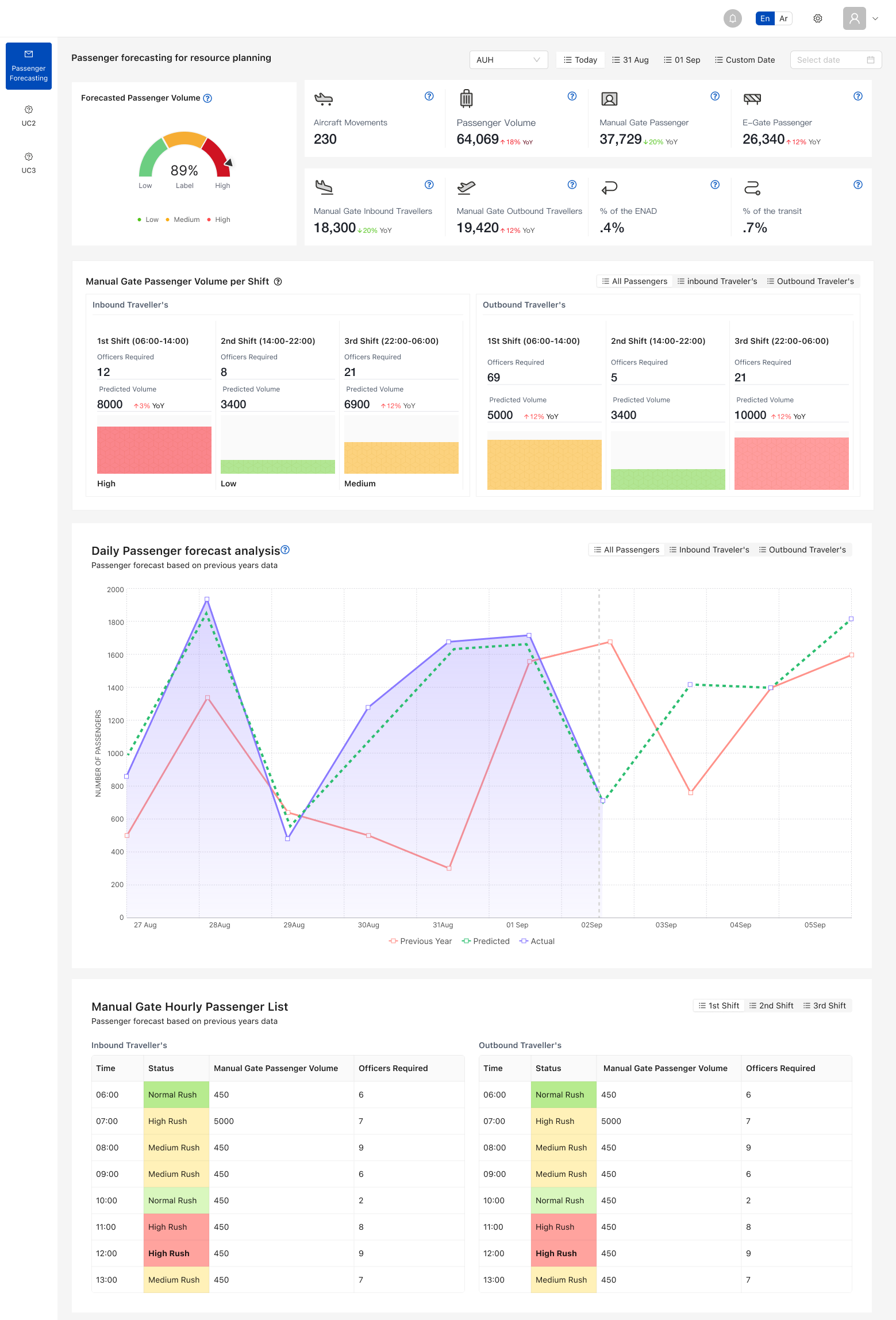
The passenger forecast dashboard reads from top to bottom like a supervisor thinks: the headline numbers, then each shift, then the day as a curve, then every hour. Hover the numbers on the screen to explore.
1

Headline numbers

Expected passengers and officers needed, before any chart.
2

Shift cards

Staff needed per shift and direction, coloured by rush level.
3

Forecast beside the past

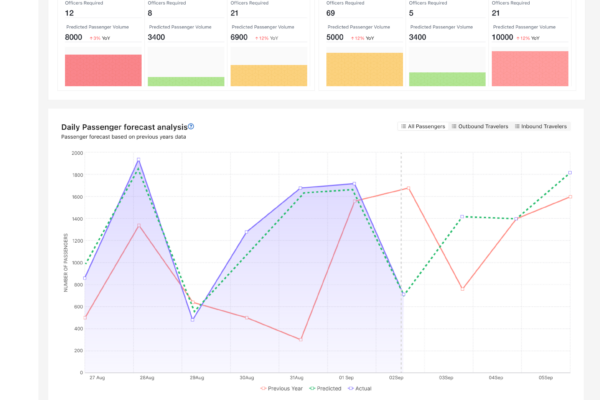
Predicted and actual arrivals on one chart, so trust is earned in plain sight.
4

Every hour has a status

Low, medium or high rush, with officers required.
Full passenger forecast dashboard with shifts, daily chart and hourly list
1
Headline numbers: expected passengers and officers needed for the day.
2
Shift cards: passengers and officers per shift, coloured by rush level.
3
Predicted and actual arrivals share one chart, so the model is checked every day.
4
Hourly table: rush status and officers required for every hour.
Design decisions

Rules that planners can own

Decision 01

Help where the numbers are

I saw

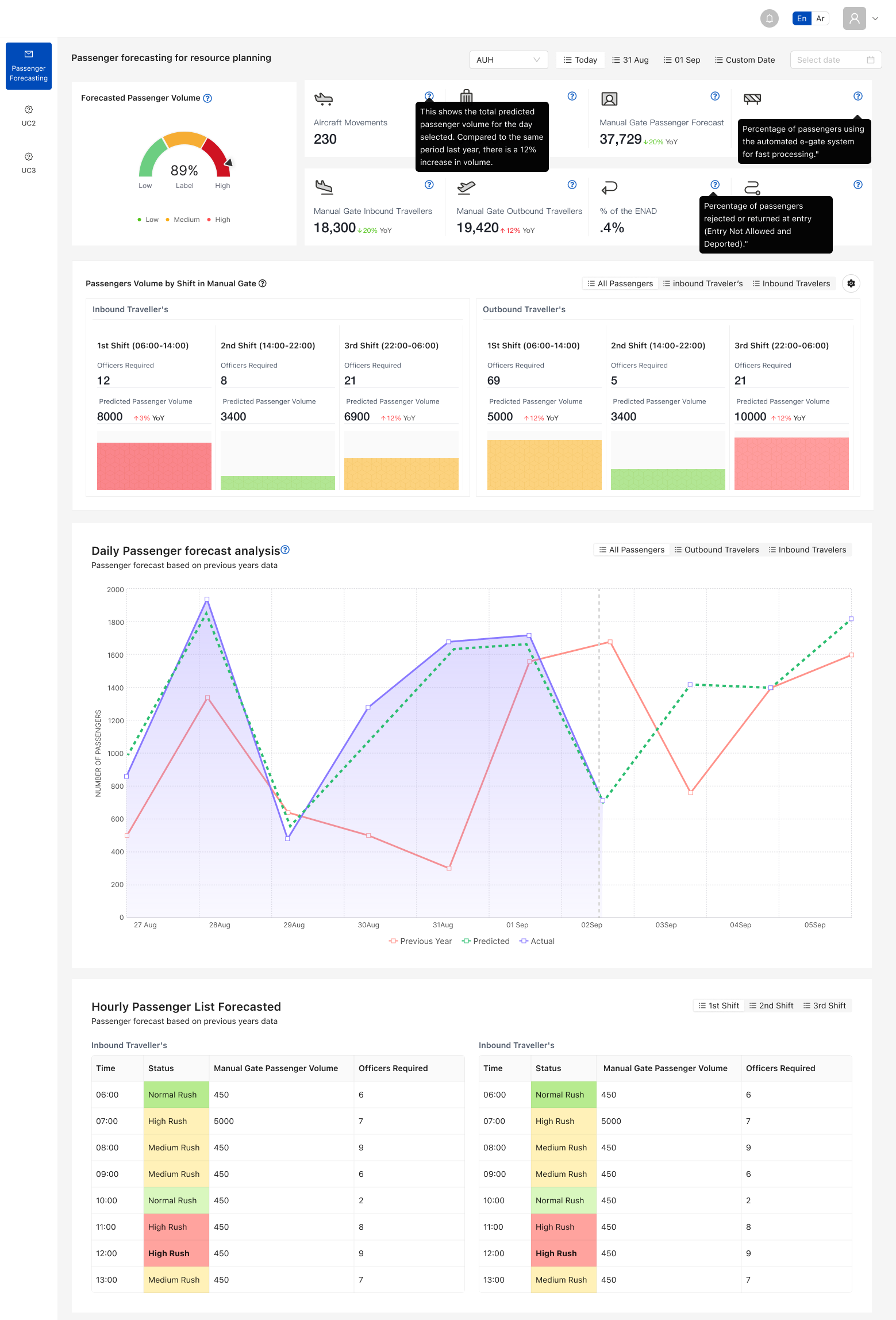
New supervisors did not know how each number was calculated.

I chose

Inline help on every metric, so the dashboard explains itself.
Decision 02

Passengers become officers

I saw

A passenger forecast alone did not answer the staffing question.

I chose

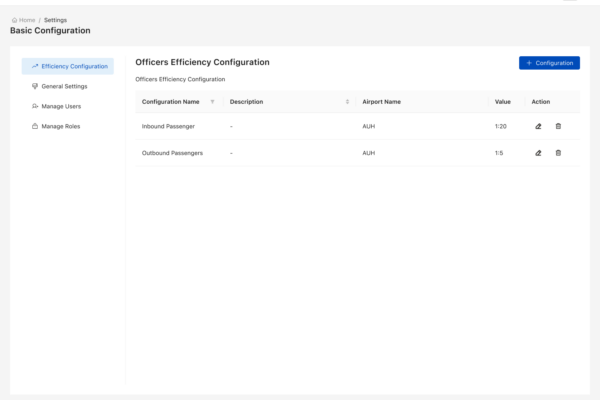
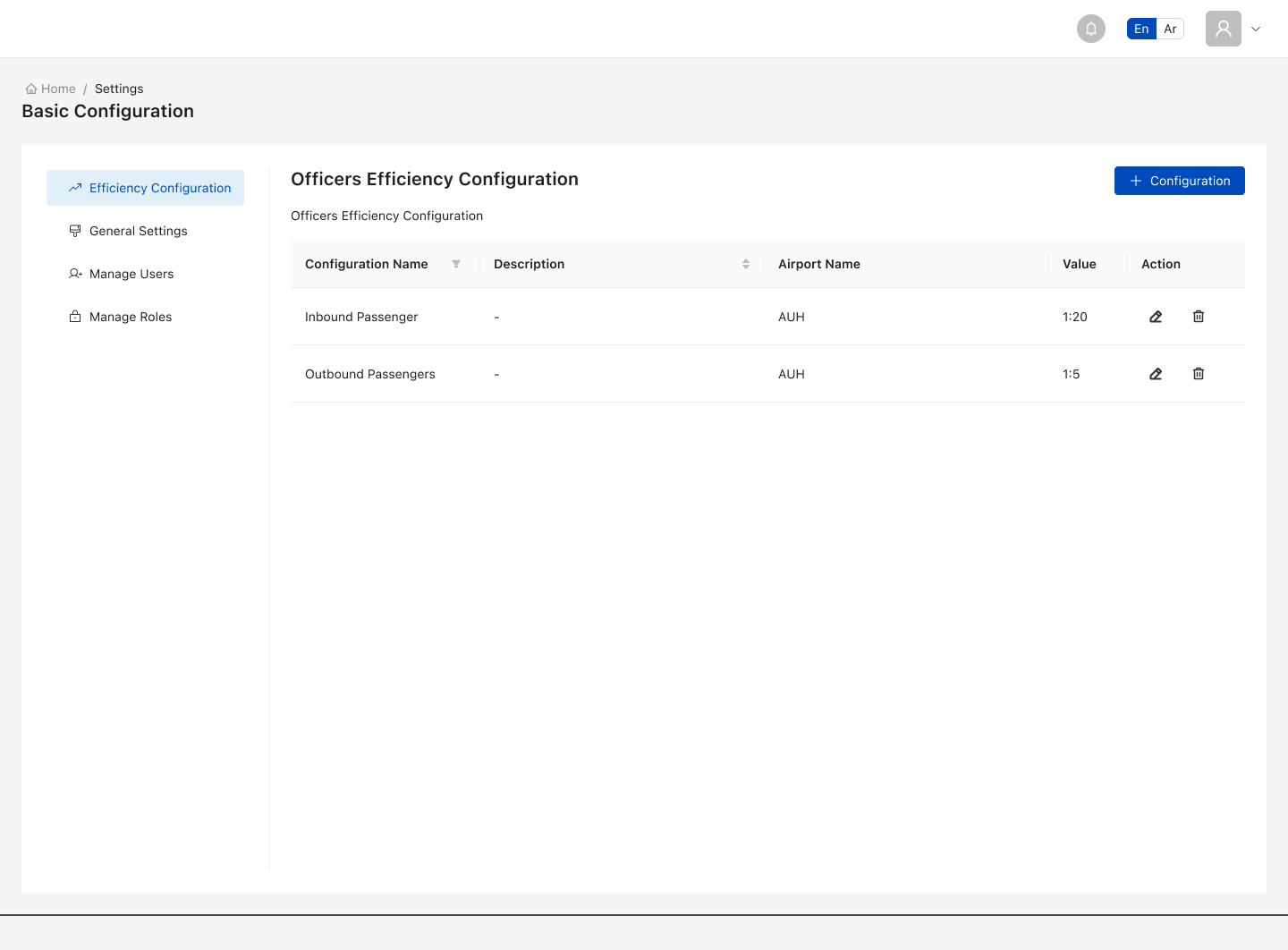
An officer efficiency setting that turns passengers per hour into people per counter.
Decision 03

Shifts the team already uses

I saw

Generic time blocks did not match real rosters.

I chose

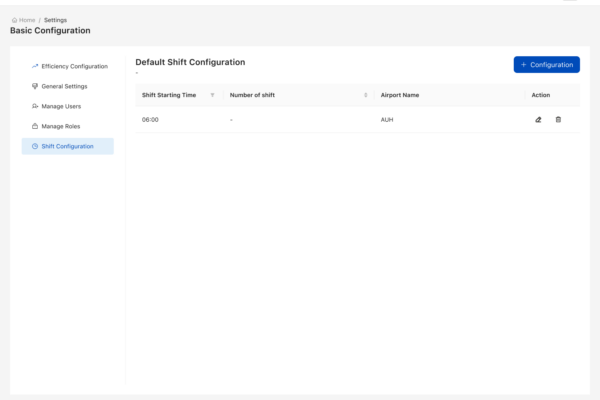
Three editable shifts for inbound and outbound, with the team's own start and end times.
Decision 04

Clear roles

I saw

Anyone changing the rules would change every plan.

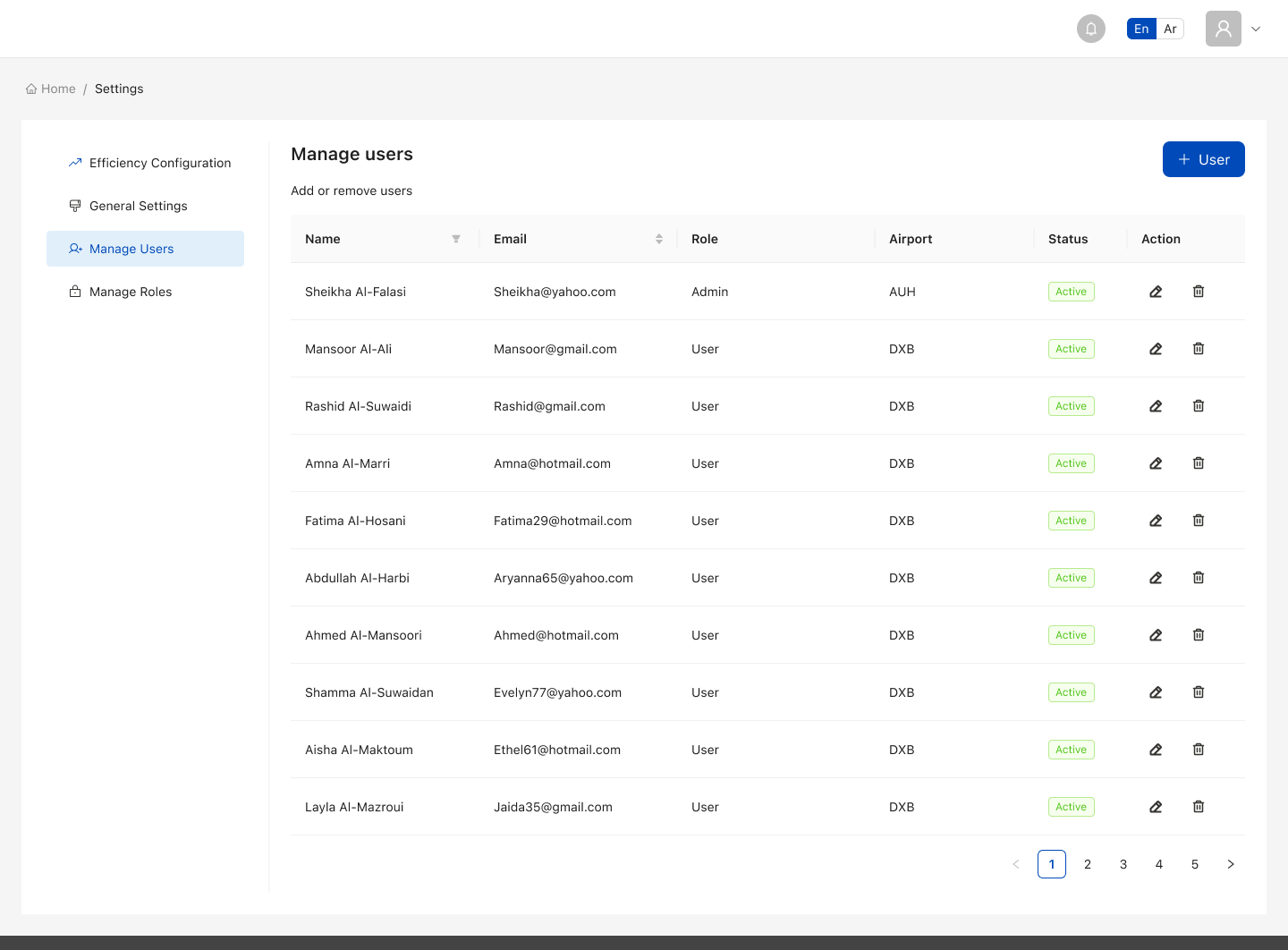
I chose

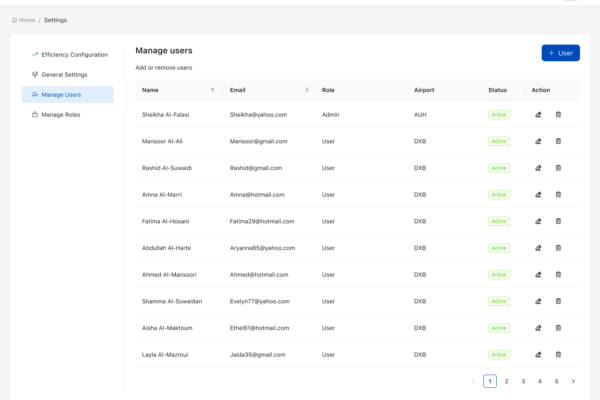
Roles that separate who views the plan from who edits the rules.
Design system

One calm system, two languages
Shared components

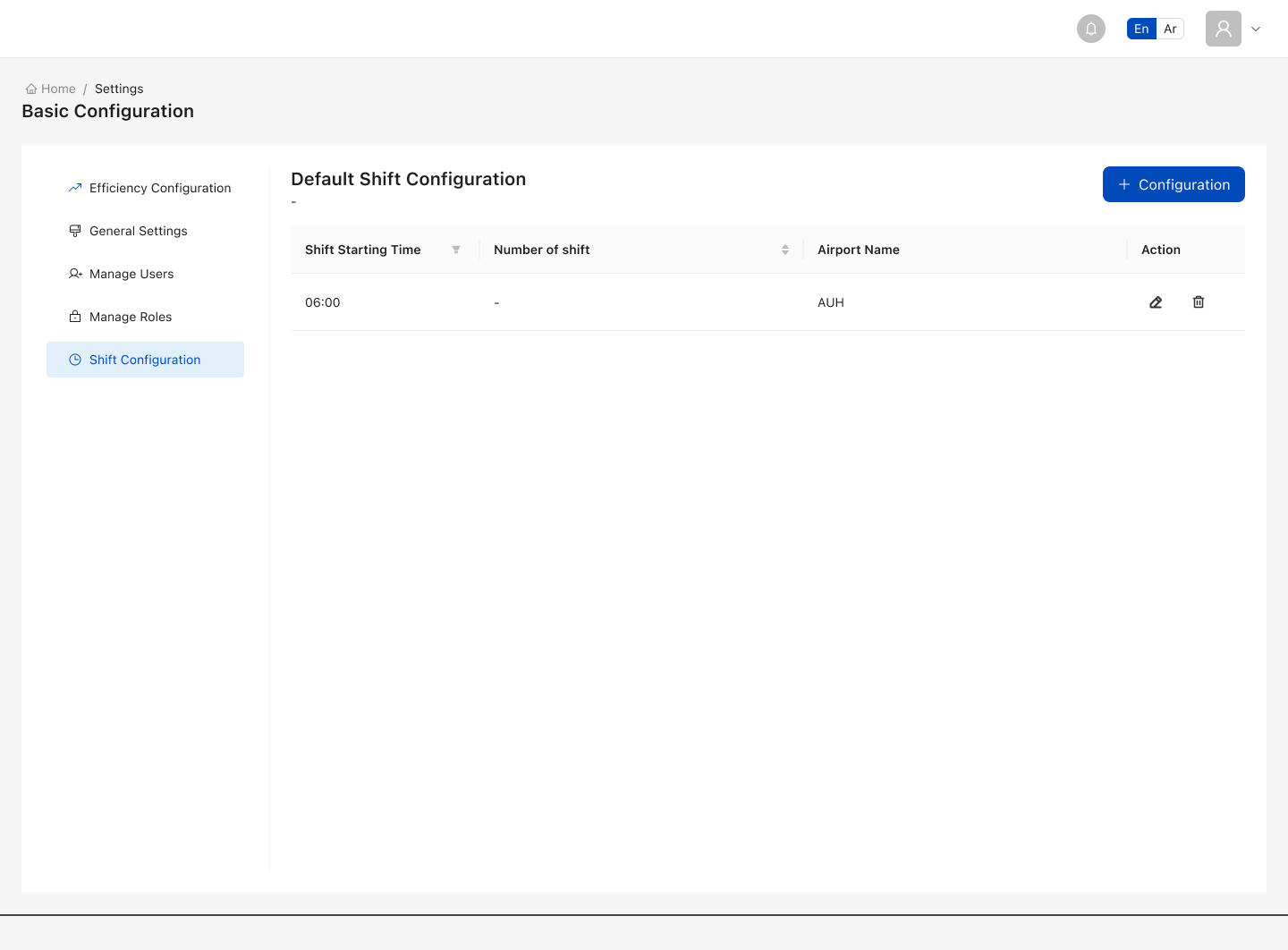
Cards, charts, status chips and settings tables run through every screen.

Built for Arabic

The full layout mirrors right to left, not just the text.
Passenger forecast dashboard with in-context help tooltips
Outcome

What the AI forecasting dashboard changed

A plan every day

Officers per shift, ready before the day starts.

Peaks seen in advance

Rush hours are flagged so staff can be moved early.

A model checked in public

Forecast and actual sit side by side every day.

What I would do differently

Show a range

A band of likely arrivals, not a single line, to show the model's confidence.

Plan standby

Use that range to tell supervisors when to keep officers on standby.
Let's talk